How to Use AI Without Sounding Like AI
Most people have had the same experience with AI. You ask it to write something, and what comes back is technically fine but completely generic. It could have been written for any company, about any client, in any month of the year. You end up rewriting most of it.
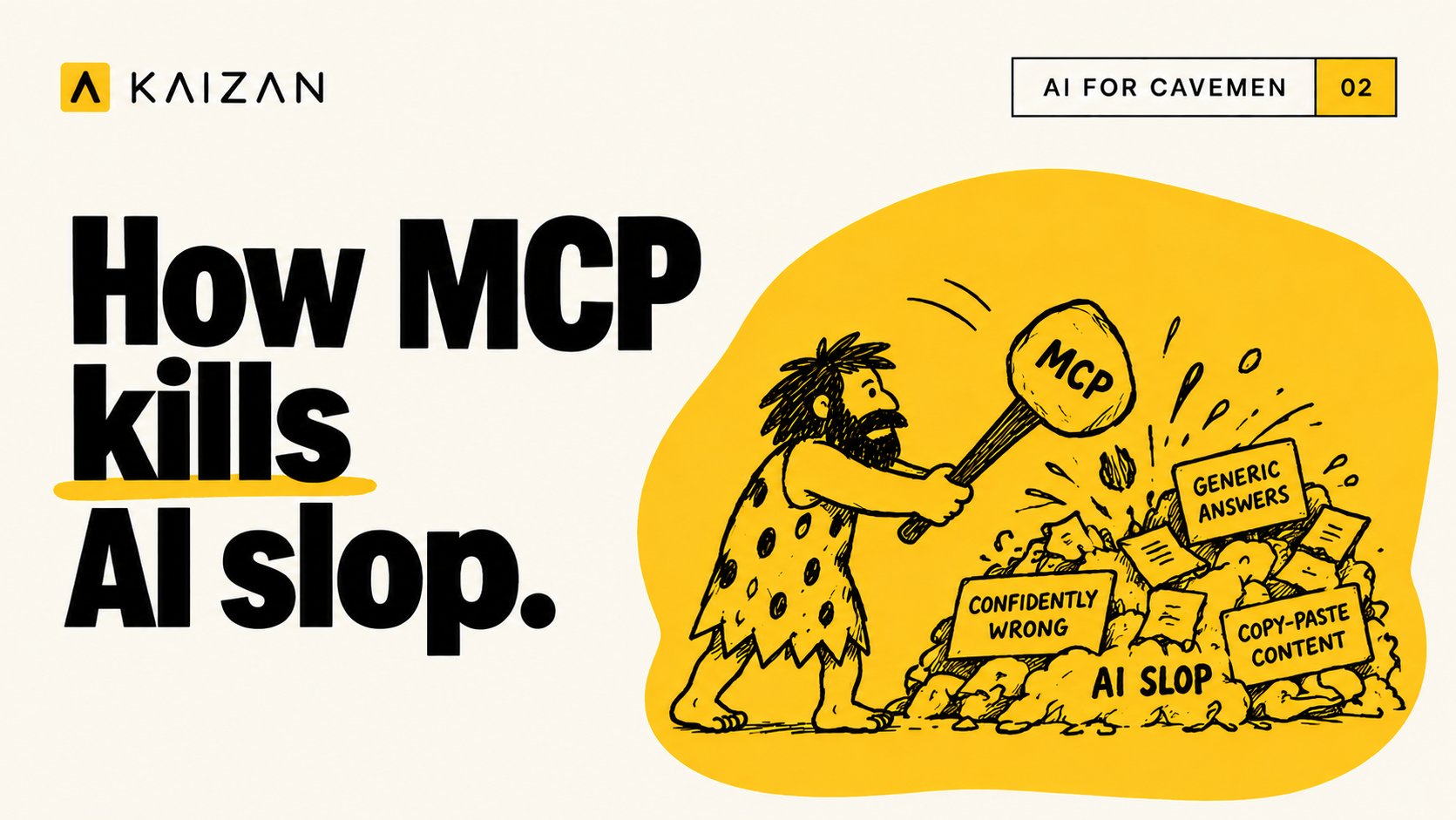
That output has a name now. AI slop. It is worth understanding why it happens, because the fix is simpler than most people assume.
Why AI output comes out generic
The model does not know anything about you.
It has not read your positioning. It does not know how your team writes, what your clients care about, or what you agreed on the last call. Ask it for a client update and it has no access to the client, the account, or the update.
When a model has no specific information, it falls back on general information. That is why the writing feels average. It is an average, drawn from everything published on the subject rather than anything true about your business.
This is not a limitation of the model's writing ability. It is a limitation of what the model can see.
What MCP does
MCP stands for Model Context Protocol. It is a standard way of connecting an AI model to the tools you already use, so it can read information from them while it works.
Once a tool is connected, the model stops relying on what you remembered to paste into the chat. It can look things up. Your brand guidelines, an email thread, the notes from a meeting six months ago.
The model itself has not changed. What has changed is how much it knows before it starts writing.
The three connections that matter most
You do not need to connect everything. Three sources cover most of the gap.
Your files
Positioning documents, tone of voice guidelines, past work you were happy with, previous case studies and decks.
This is where your standards live, assuming someone has written them down. Connected, they inform every draft instead of sitting in a folder nobody opens. It also means new people and AI tools are working from the same reference point.
Your emails
Your sent folder is the most accurate record of how you actually write: how long your sentences run, how direct you are, how you open and close.
It also holds what you have already told people. That detail is usually the difference between a follow-up that sounds like you and one that sounds like a template.
Your client history
This is the context that is genuinely impossible to hold in your head, particularly across a portfolio of clients.
One of our clients put it simply:
"I can't know the 20 different conversations that are happening on one client before I go and meet with that client. That's the thing that's impossible to stay on top of."
Connecting Kaizan gives the model the full history of the relationship: every call, every commitment made, and how sentiment has moved over time. When you ask for a renewal email, it can work from what the client actually said in June rather than from what renewal emails usually say.
Why this makes the writing better
Good writing is specific. Slop is generic, and it is generic because a general answer is the only safe one when the model has nothing to go on.
Give it real material and the output changes in a way you can see immediately. It names the client. It uses your number rather than a placeholder. It writes in the register your last five emails were written in. Most of the small tells that make something read as machine-written come from vagueness, and vagueness is what disappears when the model has access to the facts.
How to set this up well
A few habits keep the quality high.
Tell it what to read. "Use the positioning doc and the last two calls with this client" works better than "write this in our voice."
Check the source when output looks wrong. Nine times out of ten the model read an old document rather than the current one. That is a quick fix rather than a rewrite.
Correct the document, not the draft. If several drafts get your positioning slightly wrong, the document is wrong. Fixing the output each time hides the problem.
Keep one current version of everything. Four competing brand decks in the same folder will produce four different tones, and the model has no way to know which one you trust.
Start with read access only. Let it read before you let it send, publish or update anything.
Where it does not help
MCP is not a complete answer, and it helps to know the limits.
An out of date document produces confidently out of date output, so connecting a messy source will not clean it up. Connecting too many tools makes it harder for the model to find the right one. And it cannot use standards that were never written down, so if your team has never defined what good looks like, that work still needs doing.
The final judgement stays with you. Connected properly, AI gets you an accurate first draft. Deciding what matters in it is still the job.
The short version
AI sounds like AI when the internet is all it has to work from. Connect it to your files, your emails and your client history, and the output starts to sound like your business, because it is finally based on it.