

Get your day back.
Kaizan removes the admin and surfaces the next best action on every client - so you spend your time on the work only you can do.

The Client 360 gives us an at-a-glance view of what’s going on in our clients’ worlds. We can then come up with ideas off the back of that. Previously, we were having to do lots of desk research, and that took an awfully long time.

The things Account Managers love.
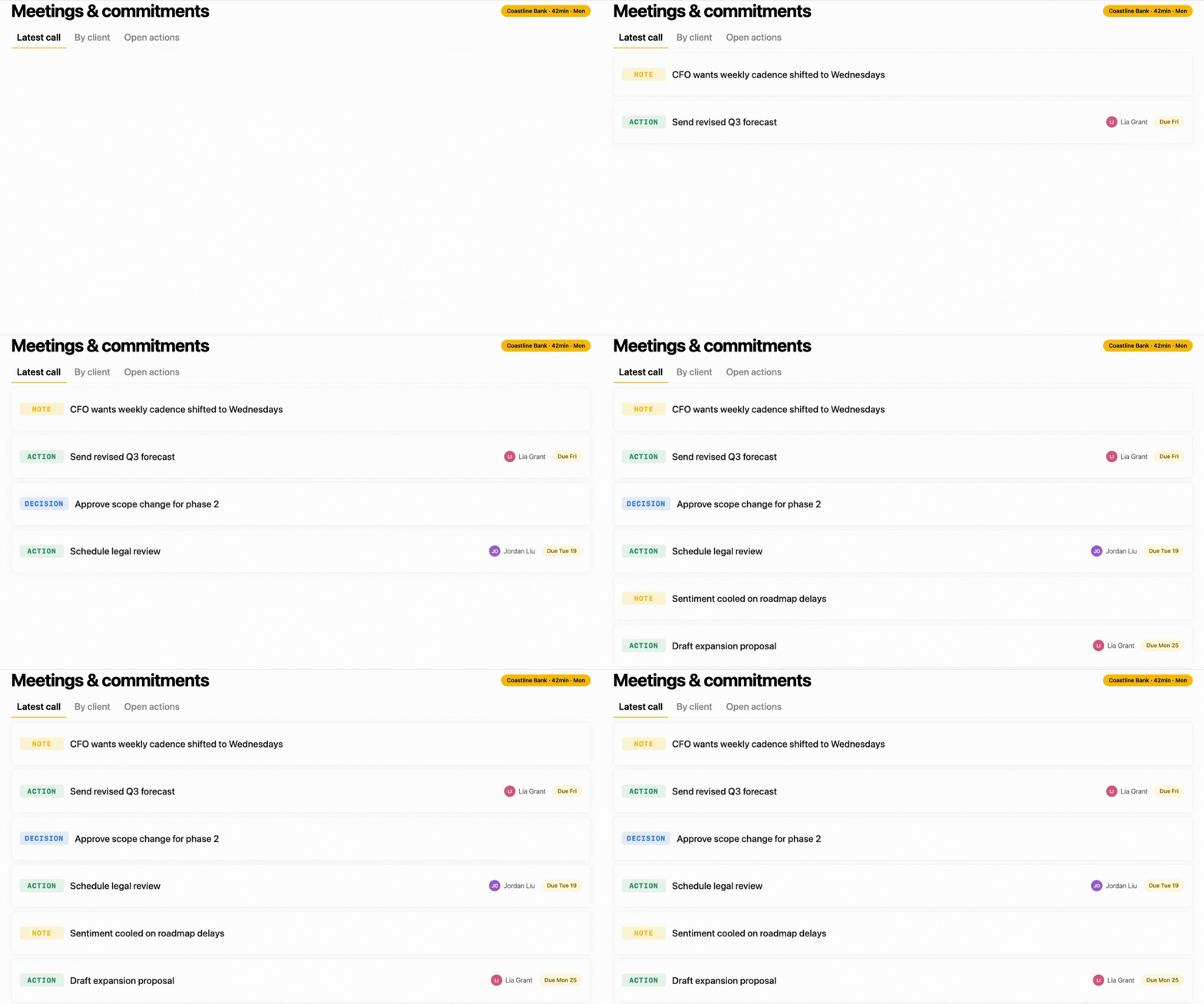
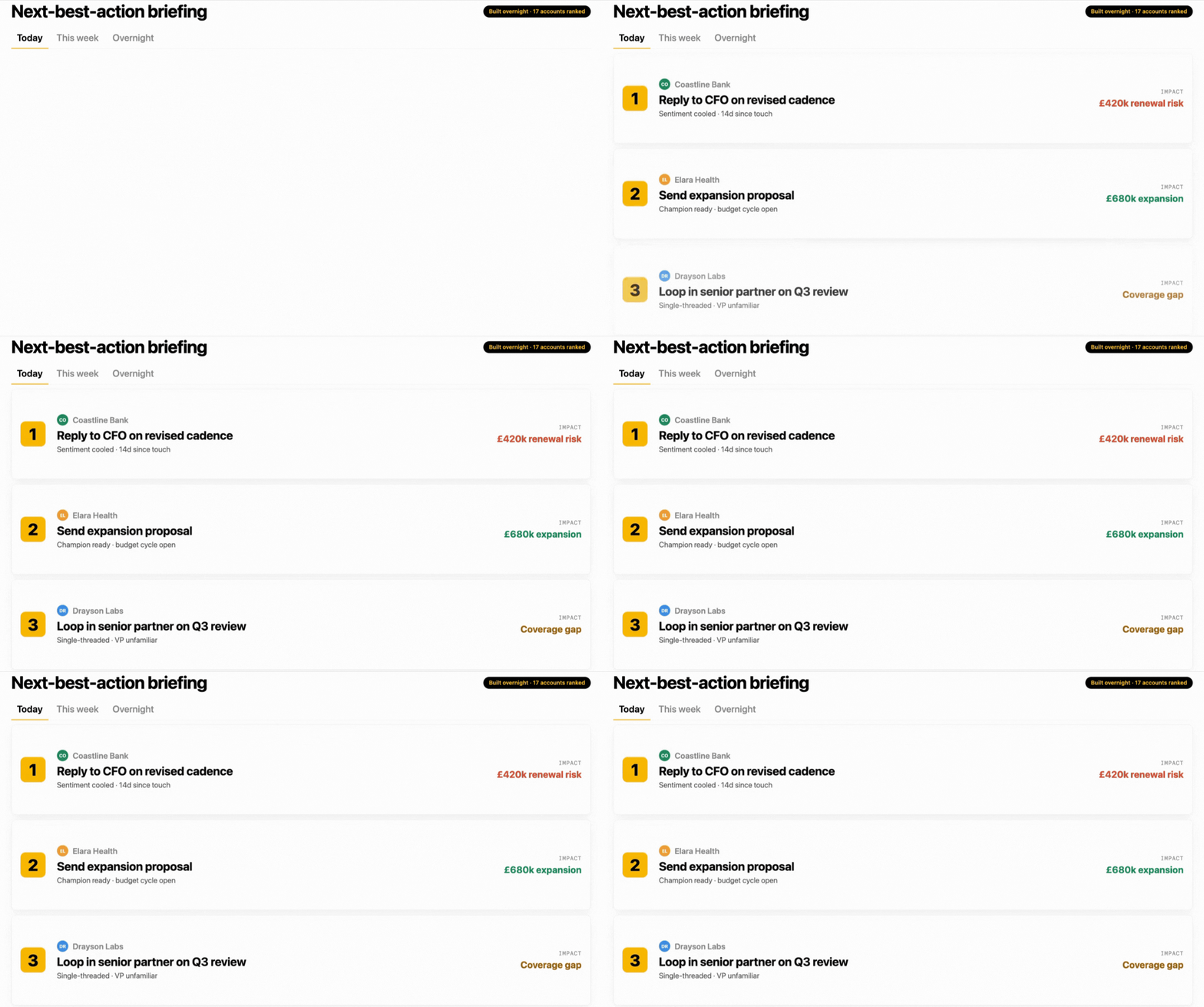
The product surface an account manager actually touches.

The questions account managers ask us.
Does it work with Zoom, Teams, and Google Meet?
Kaizan joins meetings across Zoom, Teams and Google Meet automatically - calendar-based, so you don't add it manually each time. Notes, actions and decisions land in the same place no matter where the conversation happened.
Will my client know it's listening - what do I tell them?
You stay in control of disclosure. Kaizan supports the consent flows your clients expect, and we share language teams use in the first conversation so it lands professionally rather than as a surprise.
I run 15 clients. Can I see what needs my attention without checking each one?
That's the default view. Kaizan ranks the whole portfolio by what's changed overnight and surfaces the next best action per client, so you start the day with the handful of things that actually matter - not fifteen tabs.
Does it sync with HubSpot / Salesforce so I’m not double-entering?
Kaizan reads from and writes back into HubSpot and Salesforce, so contacts, activity, notes and next-step fields stay current without manual data entry. If your CRM isn't on the list, the API covers anything not natively integrated.